Key takeaways
- Most no-shows come from forgetfulness or friction, not lack of interest.
- Reminders work best as a sequence: confirm, remind, then make rescheduling easy.
- Recall outreach fills the schedule with patients you already have.
- Automating it frees your front desk to focus on the patients in the office.
Why patients don't show up
Very few no-shows are patients who decided they don't want care. Most simply forgot, had a conflict come up, or couldn't reach the office to reschedule and gave up. Each of those is fixable with the right message at the right time.
Build a reminder sequence, not a single text
One reminder the day before helps. A short sequence works better:
- At booking: a confirmation with the date, time, provider and address.
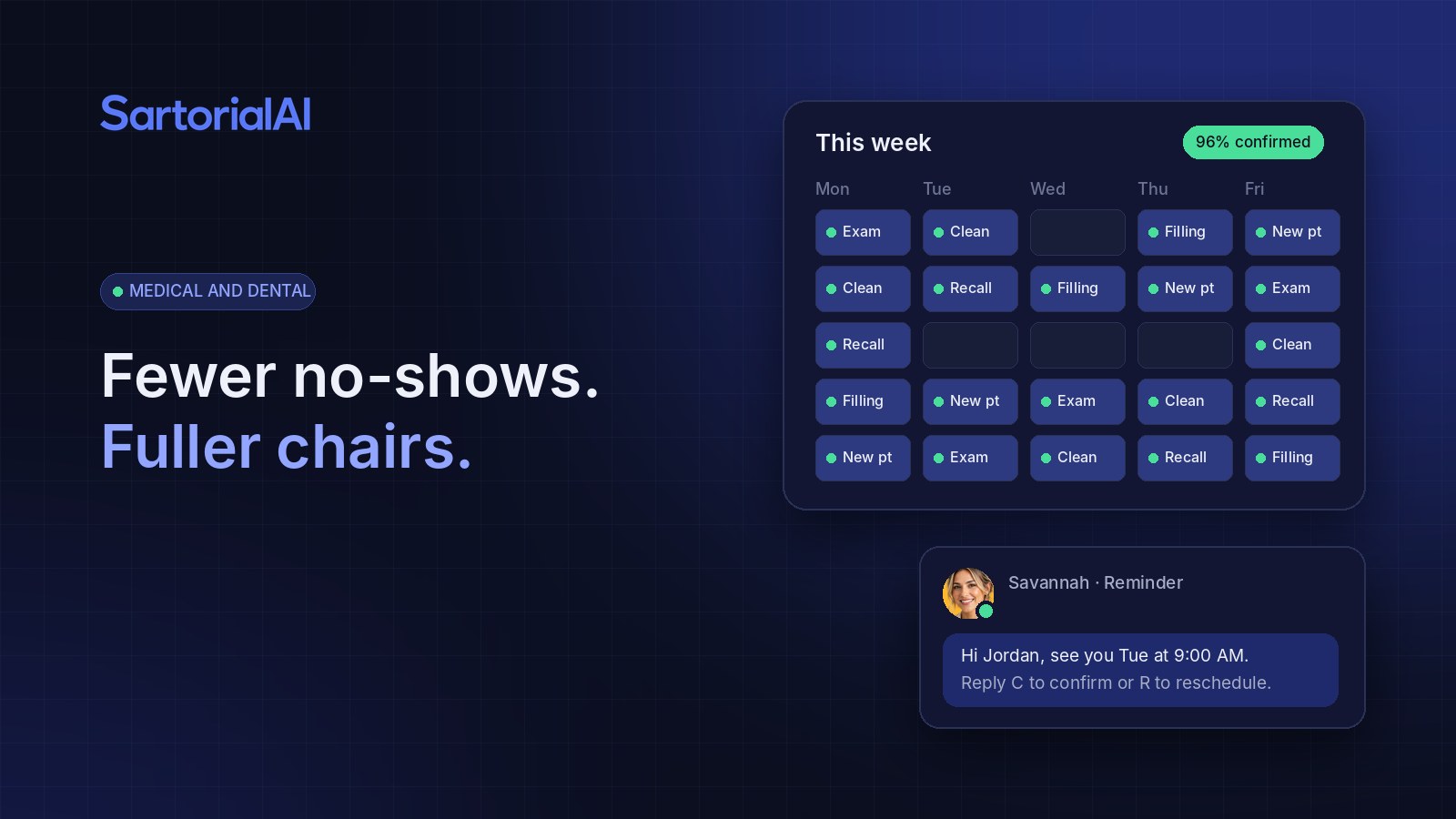
- A few days before: a reminder that asks the patient to confirm or reschedule with a one-word reply.
- The day before: a final reminder with any prep instructions and parking details.
- If they reply "reschedule": offer real open times right in the conversation.
The goal is to make keeping or moving the appointment easier than skipping it.
Make rescheduling effortless
Patients who can't make it usually want to reschedule. The problem is the friction: calling during business hours, waiting on hold, playing phone tag. When a patient can reply to a text and pick a new time in under a minute, a would-be no-show becomes a moved appointment, and the open slot can go to someone else.
Recall: your easiest new revenue
Every practice has patients who are overdue for a cleaning, a follow-up or a treatment they postponed. They already trust you. They just need a reason and an easy way to book.
An automated recall agent works through that list steadily: a friendly note that they're due, a couple of open times, and a gentle follow-up if they don't answer. Over a few months, that fills gaps in the schedule with patients you already have.
Keep the tone human
Automated doesn't have to feel robotic. Messages should sound like your practice, use the patient's name and the provider they know, and be short. Anything clinical or sensitive should go to your team. The AI handles logistics. People handle care.
What changes for your front desk
Instead of spending the morning calling tomorrow's patients and leaving voicemails, your team starts the day with confirmations already in, reschedules already moved and open slots already offered to recall patients. They spend their time with the people in the waiting room.
Try it on your own business
Start free and see SartorialAI answer, book and follow up for you. Live within 48 hours.