Key takeaways
- Setup takes hours, not weeks, and most of it is done for you.
- Your website, services and calendar are what the AI needs to start.
- Testing with real scenarios is the most important step.
- By day two, calls are answered, booked and logged automatically.
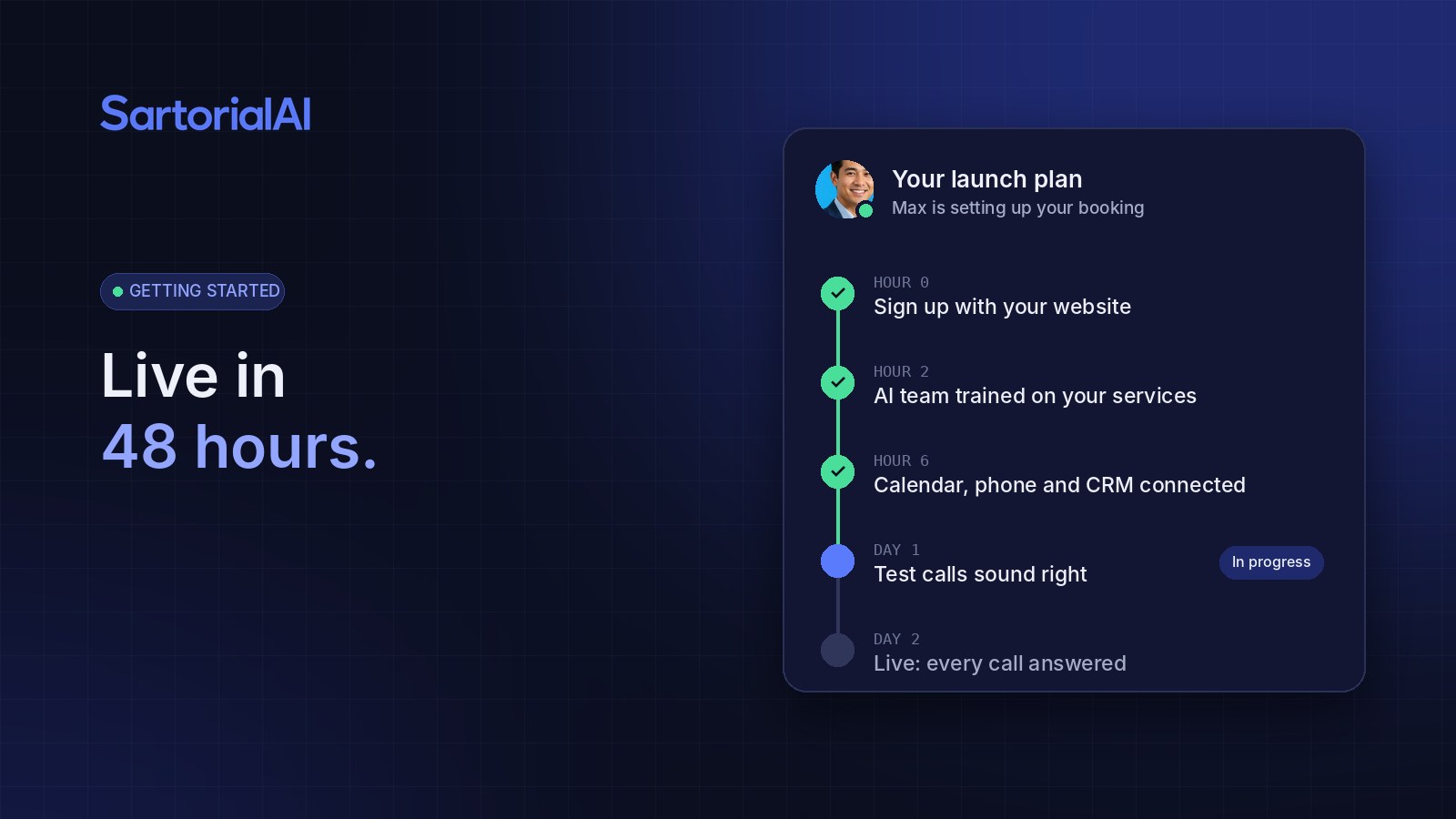
Hour 0: Sign up with your website
You start by entering your business website. SartorialAI reads it and builds a starting profile: your services, service area, hours and tone. It also drafts your ideal customer profile, a starter lead list, an outreach sequence and a content plan, so there's value before your phones are even connected.
Hours 1 to 4: Teach it your business
Next, you fill in what your website doesn't say. That usually means your service menu and pricing rules, the questions customers ask most, what you don't do, and how you want urgent situations handled. You can upload FAQs, PDFs and price sheets. The more specific you are, the better every answer gets.
Hours 4 to 8: Connect your tools
Connect your calendar so bookings land in real openings, your phone line so the AI can answer and text from your number, and your CRM so every conversation is logged. Most connections take a couple of clicks.
Day 1: Test like a customer
This is the step that matters most. Call your own line. Ask about pricing, availability and something you don't offer. Try an urgent scenario. Chat on your website. Wherever an answer isn't how you'd say it, adjust the instructions or add knowledge, then test again.
Day 2: Go live
Once it sounds right, switch it on. You can start with after-hours and overflow only, then move to every call once you're comfortable. From here, every call is answered on the first ring, appointments are booked into your calendar, and you get a summary of each conversation.
After launch: what your week looks like
Most owners spend a few minutes a day reviewing the dashboard and approving their AI Co-Founder's queue of content and follow-ups. Hot leads get flagged for a personal touch. Everything else runs on its own. The full walkthrough is in our getting started guide.
Try it on your own business
Start free and see SartorialAI answer, book and follow up for you. Live within 48 hours.